How to Use a VPN With IPTV in the UK: Benefits and Setup Guide
Why Use VPNs for IPTV
UK internet service providers often monitor your online activity to manage network congestion. If you stream high definition video, your provider might intentionally slow down your connection. This practice, known as ISP throttling, causes constant buffering during live broadcasts. Using a private network hides your traffic, so the provider cannot identify your streaming habits.
You might wonder how to use a vpn with iptv uk to improve your experience. A private connection masks your real IP address and replaces it with one from a different server. This encryption process keeps your browsing history private from your service provider. It also prevents your personal data from being tracked while you watch your favorite channels.
It is important to distinguish between privacy and bypassing regional blocks. While a virtual network keeps your data secure, it also allows you to appear as if you are browsing from another location. This is helpful if you want to access specific channels that are not available in your region. However, always check the terms of service for your streaming provider to ensure you remain compliant with local regulations.
Using a tool like NordVPN or Surfshark is generally legal in the United Kingdom. These tools are built to protect your digital identity. Most services offer a 30 day money back guarantee, which is a great way to test performance without risk. If you connect to a server using the WireGuard protocol, you will likely notice faster speeds and less lag. This setup ensures that your connection remains stable even during peak viewing hours. Always choose a provider that includes a reliable kill switch to prevent data leaks if your connection drops.
Choosing Best VPN for IPTV

Pick a provider that prioritizes speed to ensure your stream stays smooth. You need a fast connection to watch live content without constant buffering. Providers like NordVPN and Surfshark offer specialized servers that handle high-definition video data efficiently.
Look for support for the WireGuard protocol. This modern technology is much faster than older options because it uses less code. It creates a quick tunnel for your data while keeping your activity hidden from your ISP. This is essential when you learn how to use a vpn with iptv uk to prevent your provider from slowing down your connection during peak hours.
A kill switch is a non-negotiable feature for your privacy. If your connection drops for even a second, the kill switch stops all data transfer instantly. This prevents your real IP address from leaking to your ISP. Without this, your streaming habits could remain visible even when you think you are protected.
Balance is key between encryption strength and your download speed. While 256-bit encryption is the industry standard for security, it requires more processing power. Most premium services now manage this trade-off well. You should expect to pay around £3 per month for a high-quality subscription that does not compromise your viewing experience.
Check your device compatibility before you commit. Not every service has an app for every platform. If you use a Fire TV Stick or an Android TV, ensure the provider has a dedicated app in the official store. This makes the setup process much easier than configuring manual settings on your home router.
Firestick Setup Steps
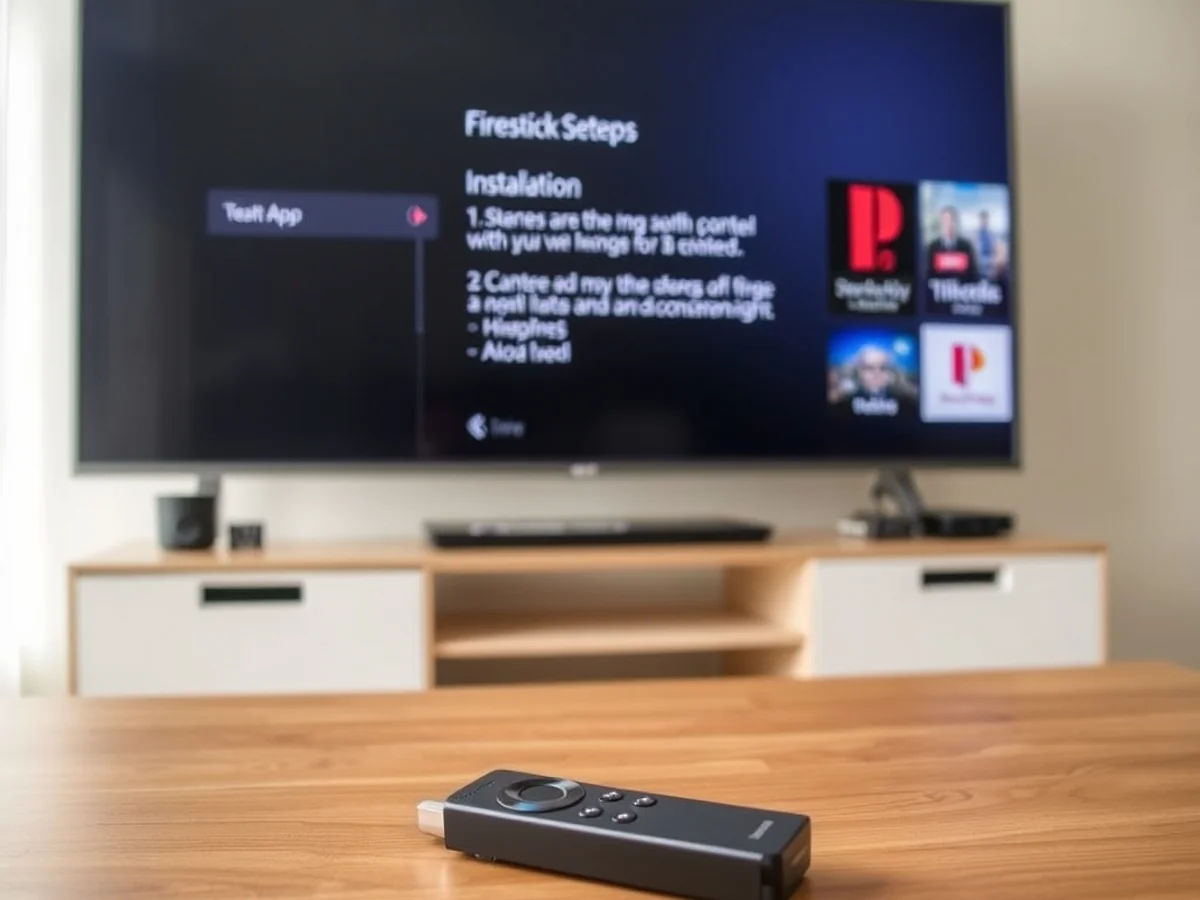
You can start the process by opening the search bar on your Fire TV Stick home screen. Type the name of your chosen provider, such as ExpressVPN or NordVPN, into the search field. Select the app from the results and click the download button to install it directly onto your device.
Once the app installs, open it and log in with your account credentials. Navigate to the settings menu to refine your connection. I recommend enabling the auto-connect feature so your privacy remains protected every time you turn on your TV. This ensures you never forget to mask your IP address before you start streaming.
Selecting the right server is vital for high-quality playback. If you are learning how to use a vpn with iptv uk, always look for a server located within the UK. This keeps your latency low and prevents buffering. Connecting to a server in a different country often forces your traffic to travel further, which can ruin your stream quality.
Most modern apps now use the WireGuard protocol by default. It is faster than older options and provides excellent security for your data. If you experience any lag, try switching to a different UK server location. Many services offer over 100 individual server options in the UK alone. If the connection drops, your kill switch will automatically stop your internet traffic, preventing your real IP address from being exposed to your ISP. This simple setup helps you bypass bandwidth throttling and keeps your viewing habits private while you enjoy your favorite content.
Android TV App Installation
Most Android-based displays allow you to install security software directly from the Google Play Store. This is the simplest way to learn how to use a vpn with iptv uk setups. Open the store on your interface and search for your chosen provider, like NordVPN or Surfshark.
Download the application and log in using your credentials. Ensure you enable the kill switch feature within the settings menu. This prevents your actual IP address from leaking if the secure connection drops suddenly.
Devices Without App Support
Some televisions run on proprietary operating systems that do not support direct downloads. If your device lacks an app store, you cannot install a client directly. Instead, you should use a streaming device like a Fire TV Stick connected to your HDMI port.
These sticks run on a version of Android. You can install a secure client directly onto the stick. This bypasses the limitations of your television software and ensures your traffic remains encrypted before reaching the screen.
Router Level Protection
You can secure your entire home network by configuring a client directly on your router. This covers every device connected to your Wi-Fi, including those that do not support software installs. This method is effective for maintaining consistent streaming quality across multiple screens.
Most modern routers support the WireGuard protocol, which balances strong encryption with low latency. You will need to access your router admin panel, usually found at 192.168.1.1, and input your server configuration files. This setup helps you avoid ISP throttling, which is common in the UK when your provider detects high bandwidth usage during live events.
Optimising Streaming Speed
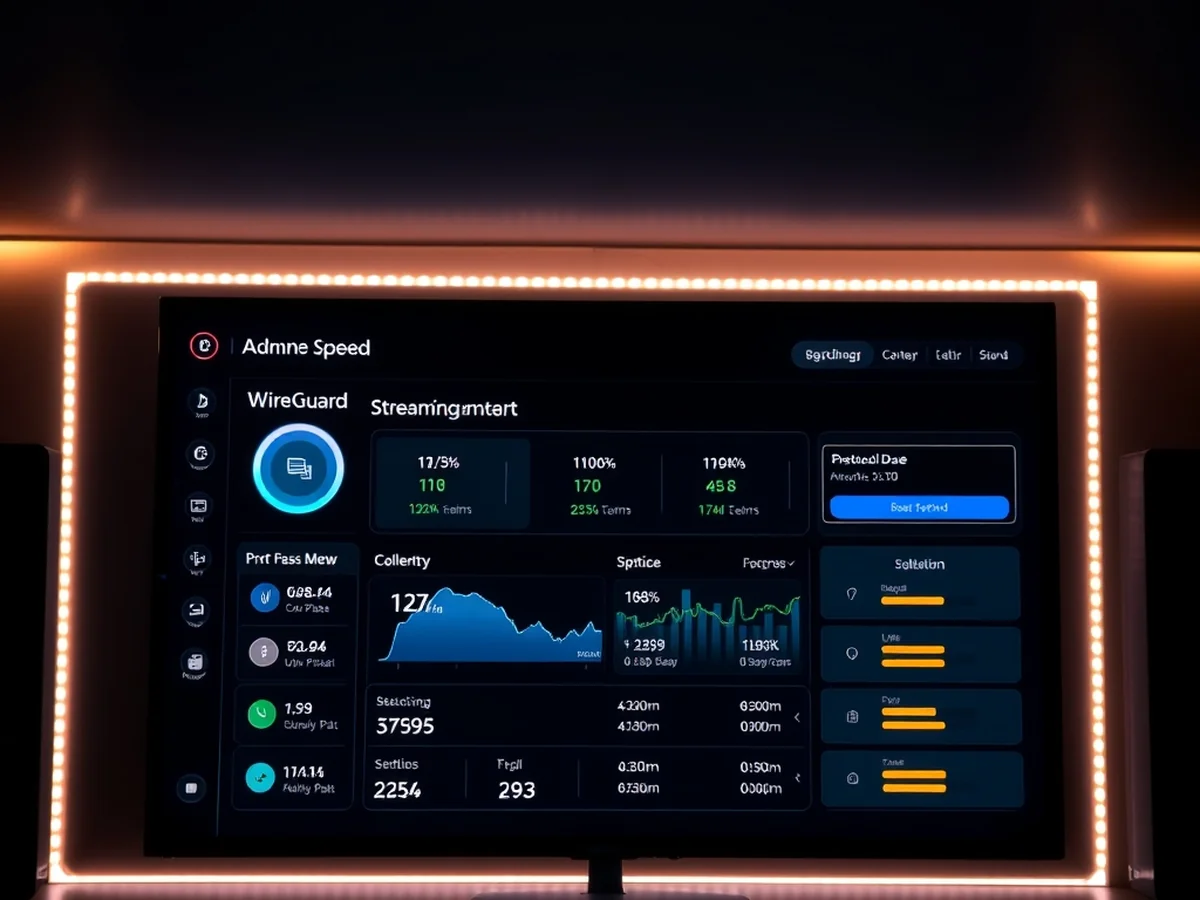
You can maintain high-quality video by choosing the right server settings. High latency often causes lag during live broadcasts. If you want to know how to use a vpn with iptv uk without constant buffering, your protocol choice matters most.
Most modern services recommend WireGuard for the best balance of speed and security. It provides a faster connection than older protocols like OpenVPN. This helps keep your stream stable when watching live UK channels.
Test your internet speed before you turn on your security software. Run a quick check on a site like Fast.com to see your baseline performance. Then, connect to a server close to your location and run the test again. A good connection should stay within 10 percent of your original speed. If the drop is larger, switch to a server in a different city.
Follow these steps to improve your stream:
- Select a server located within the UK to minimise the physical distance data travels.
- Enable the WireGuard protocol in your app settings for a faster experience.
- Avoid double-hop or multi-hop features that add extra steps to your connection.
- Check if your ISP is throttling your traffic by comparing speeds with and without the tunnel active.
If you use a Fire TV Stick, ensure it sits at least 2 feet away from the back of your television. Physical obstacles block the signal and increase latency. Using a wired Ethernet adapter can also provide a more consistent connection than Wi-Fi. Prioritising a stable connection prevents the dreaded spinning wheel during your favourite shows. Focus on these small adjustments to keep your stream smooth and clear.
Fixing Connection Issues

If your stream drops, start by checking your internet connection speed. A stable stream usually requires at least 25 Mbps for reliable high-definition playback. If your connection is solid but the feed still freezes, your current server might be overloaded.
You can often regain connectivity by cycling your server locations. Open your VPN app and disconnect from your current node. Pick a different location within the UK or a nearby country with low latency. Many users find that switching to a protocol like WireGuard helps maintain a faster, more stable link while streaming.
Clearing the cache is another effective way to resolve persistent errors. Navigate to your device settings, find your streaming application, and select clear cache. This removes temporary data that might conflict with your new network path. Once finished, force-stop the app and restart it to ensure a fresh session.
You should also re-authenticate your IP address. Simply toggling your VPN off and back on forces the app to request a new virtual IP from the provider. If you are learning how to use a vpn with iptv uk, remember that your ISP might attempt to throttle traffic if it detects heavy data usage. Ensuring your kill switch is active prevents your real IP from leaking if the tunnel drops unexpectedly.
Finally, check if your router is the bottleneck. If you have many devices connected at once, it can slow down the encryption process for your streaming box. Try disconnecting one or two idle devices to see if the stream stabilizes. These simple steps fix most common playback interruptions without requiring deep technical knowledge.
FAQ
Does a VPN impact data privacy?
A VPN keeps your online activity private by masking your real IP address from your internet provider. It creates a secure tunnel that hides which websites or streaming services you visit. This means your ISP cannot see or track your specific viewing habits.
Is a proxy a valid alternative for IPTV?
Proxies are not a reliable substitute for a VPN when you want to learn how to use a vpn with iptv uk. A proxy changes your location but lacks the strong encryption needed to prevent ISP interference. Most proxies also fail to bypass speed restrictions during high-traffic hours.
Do I need to keep the VPN on at all times?
You should keep your connection active while streaming to prevent throttling. If you disconnect, your ISP might detect high data usage and slow down your connection speed. Many apps like NordVPN or Surfshark offer a kill switch feature that protects your data if the connection drops.
Does using a VPN slow down streaming?
Encryption can slightly lower your download speed, but it often improves performance by stopping deliberate ISP throttling. Choosing a high-quality server near your actual location helps maintain smooth playback. Most modern protocols like WireGuard keep latency low enough for 4K streaming.
Can I install it on my router?
Yes, setting up a VPN on your router protects every device in your home at once. This is perfect for a Smart TV that does not support native VPN apps. You can usually find a compatible router for under £80 that handles high-speed traffic without crashing.
Final VPN Setup Tips
You should keep your software active every time you stream to ensure your data stays private. Leaving it on prevents your ISP from seeing your activity and helps you bypass ISP throttling that causes buffering. Consistent use is the best way to maintain a stable connection.
Always verify that the kill switch feature is enabled in your app settings. This tool cuts your internet access if the encrypted connection drops. It prevents your real IP address from leaking to your provider while the app reconnects. I suggest checking this box immediately after installing your software.
Test different server locations to find the fastest speed for your setup. If you experience lag while watching live channels, try switching to a different nearby server. Most services like NordVPN or ExpressVPN have a quick connect button that picks the best path automatically. This usually takes less than 5 seconds to initiate.
If you want to know how to use a vpn with iptv uk effectively, pay attention to the protocol. I recommend using WireGuard for the best balance between high encryption and low latency. It is much faster than older protocols and reduces the chance of video stuttering.
- Restart your device if the connection feels slow.
- Clear the app cache every month to keep performance smooth.
- Check for app updates to ensure your security patches are current.
Finding the right balance might take a few attempts. Adjust your settings based on your daily streaming habits. Once you find a reliable server and protocol combination, you can enjoy a private and smooth viewing experience without constant manual changes.
For another perspective, this detailed piece on Should I use a VPN with an IPTV service? is worth a read.
You might also like: Is IPTV Legal in the UK? Everything You Need to Know Before Using IPTV