How to Fix IPTV Buffering Problems in the UK: Complete Troubleshooting Guide
Check Your Internet Speed
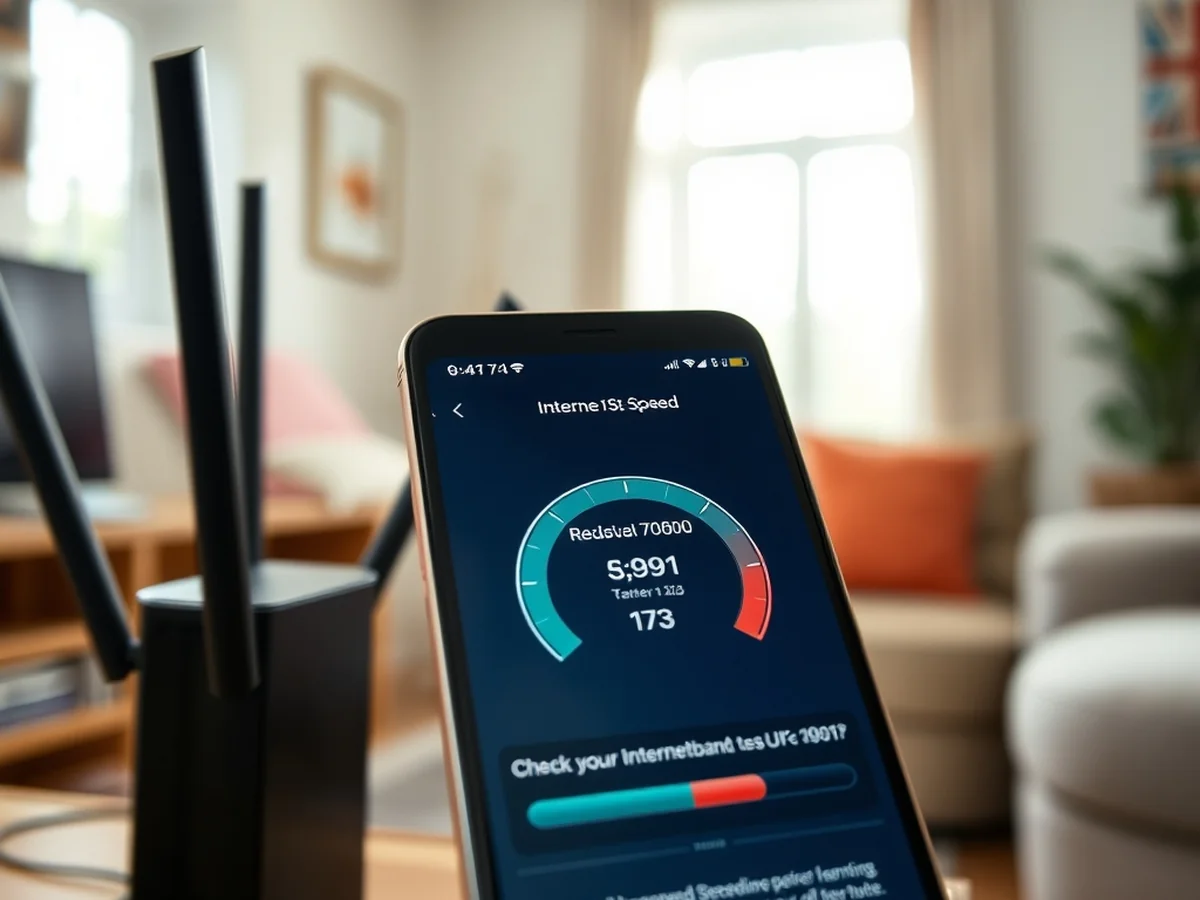
Most stuttering issues occur because of network congestion or strict limits set by your provider. When you want to learn how to fix iptv buffering uk, your connection speed is the first thing to verify. Nothing ruins a live football match or a popular show faster than constant loading circles.
You should aim for a download speed of at least 25 Mbps for reliable high definition streaming. Use a site like Fast.com to test your current performance. Run this test while your streaming device is connected to the same network.
If your results are low, try these steps to improve your setup:
- Move your Firestick or Android TV closer to the router.
- Switch from a 2.4 GHz Wi-Fi signal to the 5 GHz band for less interference.
- Connect your device directly using an Ethernet cable if possible.
Sometimes your ISP might throttle your data during peak evening hours. If your speed tests drop significantly between 7 PM and 10 PM, your provider is likely limiting your traffic. Identifying this pattern is the first step in a systematic approach to resolve your playback issues. Once you rule out slow internet, you can move on to checking your hardware or potential server-side problems.
Restart Your Router
A simple power cycle is often the first step when you learn how to fix iptv buffering uk. Unplug your router from the wall, wait for 30 seconds, and plug it back in. This clears the temporary memory and can reset your connection to the ISP.
To check if your network is the problem, run a speed test during peak evening hours between 7 PM and 10 PM. You should see a download speed of at least 25 Mbps for HD content. If your results are high but your stream still stalls, the issue might be server-side lag rather than your home connection.
Consistent bandwidth is more important than top speed. A steady 20 Mbps is better for your Firestick than a shaky connection that spikes to 100 Mbps but drops frequently. If your speed drops significantly during busy times, your ISP might be throttling your traffic.
You can identify this by comparing your speed with and without a VPN. If your speeds improve significantly while using a VPN, your provider is likely limiting your streaming data. Always use an Ethernet cable instead of Wi-Fi to ensure the most stable link to your Android TV or other streaming device.
Use a Wired Ethernet Connection
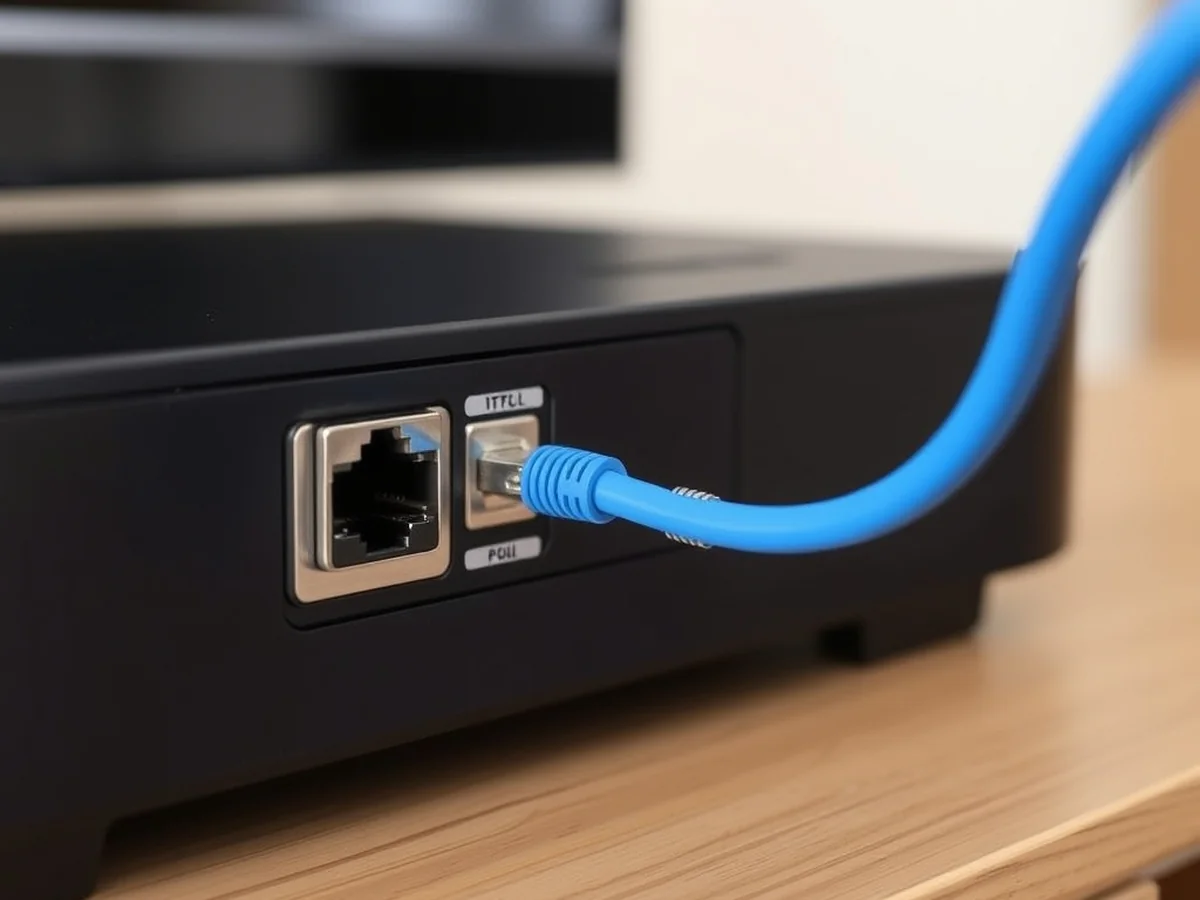
A wired connection is the most reliable way to stop IPTV freezing UK playback. Wi-Fi signals often suffer from interference, but a physical Ethernet cable provides a stable path for your data. You should plug your device directly into your router for the best results.
If you notice your stream drops specifically during peak evening hours, your ISP might be slowing down your traffic. Providers like Virgin Media or BT may identify streaming packets and limit your speed to manage network congestion. You can confirm this by running a speed test before and after connecting to a VPN.
A VPN masks your activity so your ISP cannot see what you are streaming. This helps if throttling is the main cause of your issues. When picking a protocol, WireGuard is faster and more efficient for high-definition video than OpenVPN. WireGuard uses less processing power, which keeps your device from overheating during long sessions. OpenVPN is older and more stable but often adds latency that causes stuttering.
For a standard setup, a high-quality Cat6 Ethernet cable costs around £8 and will eliminate most signal drops. Using a wired link is the first step in how to fix iptv buffering uk because it removes the instability of wireless signals entirely.
Switch to a Wired Connection
A wired connection is the most reliable way how to fix iptv buffering uk because it removes the interference common with wireless signals. Wi-Fi signals often drop when walls or other electronic devices block the path. A physical cable ensures your data travels directly from your router to your device without interruptions.
You should use a Cat6 Ethernet cable for the best results. These cables support speeds up to 10Gbps and provide excellent data stability. Avoid the older Cat5 cables if you want to prevent packet loss. You can find a standard 5-metre Cat6 cable for around £7 online. This small investment often solves the connection drops that plague wireless setups.
If you must stay on Wi-Fi, check your router settings. Most routers broadcast two frequencies. The 2.4GHz band covers a larger area but suffers from heavy congestion. Switch your Firestick or Android TV to the 5GHz band instead. This frequency offers faster speeds and handles high-definition streams with fewer delays.
Always keep your router firmware updated to improve overall network performance. By choosing a wired path, you bypass the common wireless issues that cause freezing during peak evening hours. This remains the fastest method to ensure a smooth viewing experience.
Clear IPTV App Cache
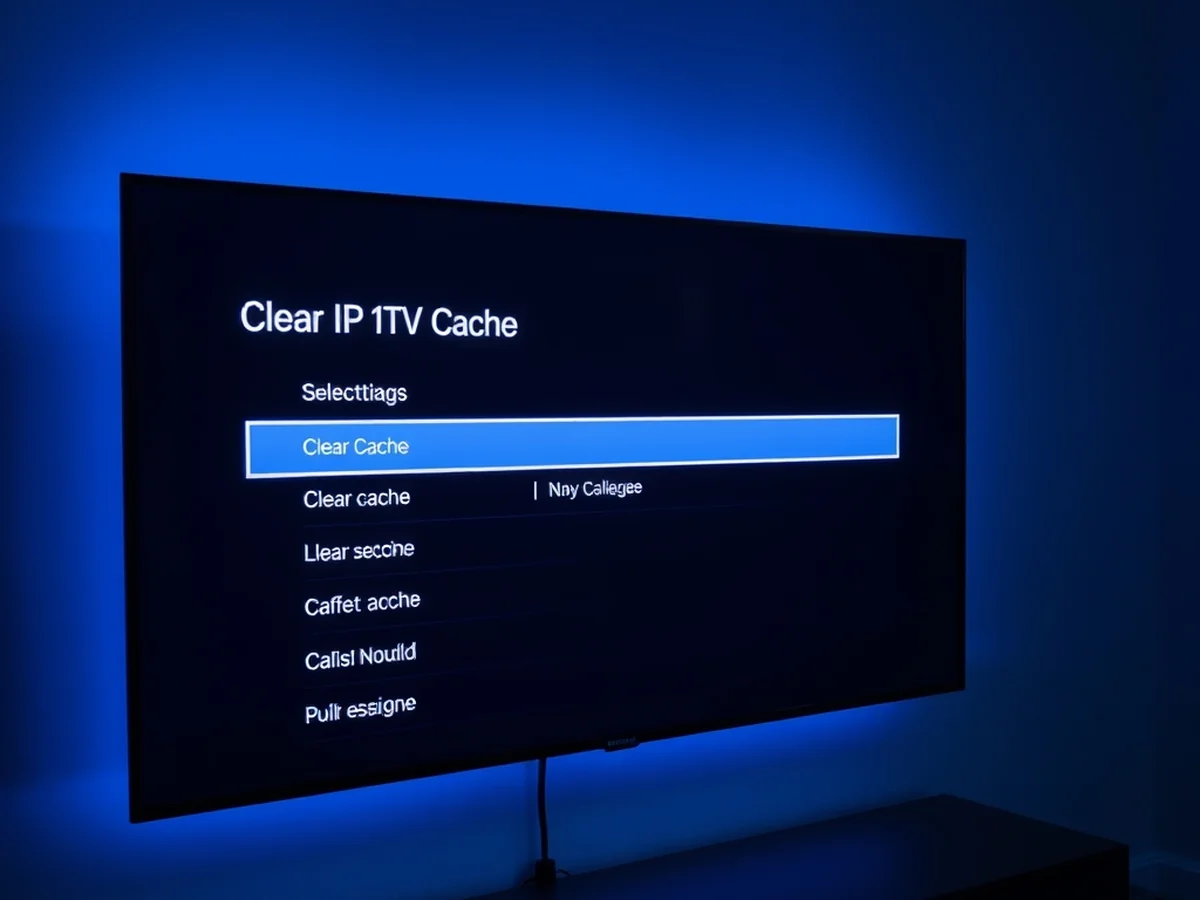
Clearing temporary files is a top way to how to fix iptv buffering uk issues caused by app glitches. On a Firestick, go to Settings, select Applications, then Manage Installed Applications. Find your IPTV player, click Clear Cache, and then click Clear Data. On Android TV devices, navigate to Settings, Apps, see all apps, and follow the same steps to wipe the temporary storage.
If clearing files does not help, perform a clean reinstall. Export your m3u playlist URL or login credentials to a secure note first. Uninstall the app, restart your device, and install a fresh copy from the store. This removes corrupt configuration files that often cause stop iptv freezing UK symptoms during playback. Re-entering your details ensures a clean connection to the server.
You should also ensure your app is running the latest firmware. Developers frequently release updates to improve IPTV streaming speed and fix compatibility bugs. Check the settings menu of your player for an update option. Aim to keep the app version within 3 months of the latest release to avoid playback errors. Using outdated software can lead to poor handling of high bitrate video streams, which makes your connection struggle even on fast UK internet plans.
Update Your IPTV App
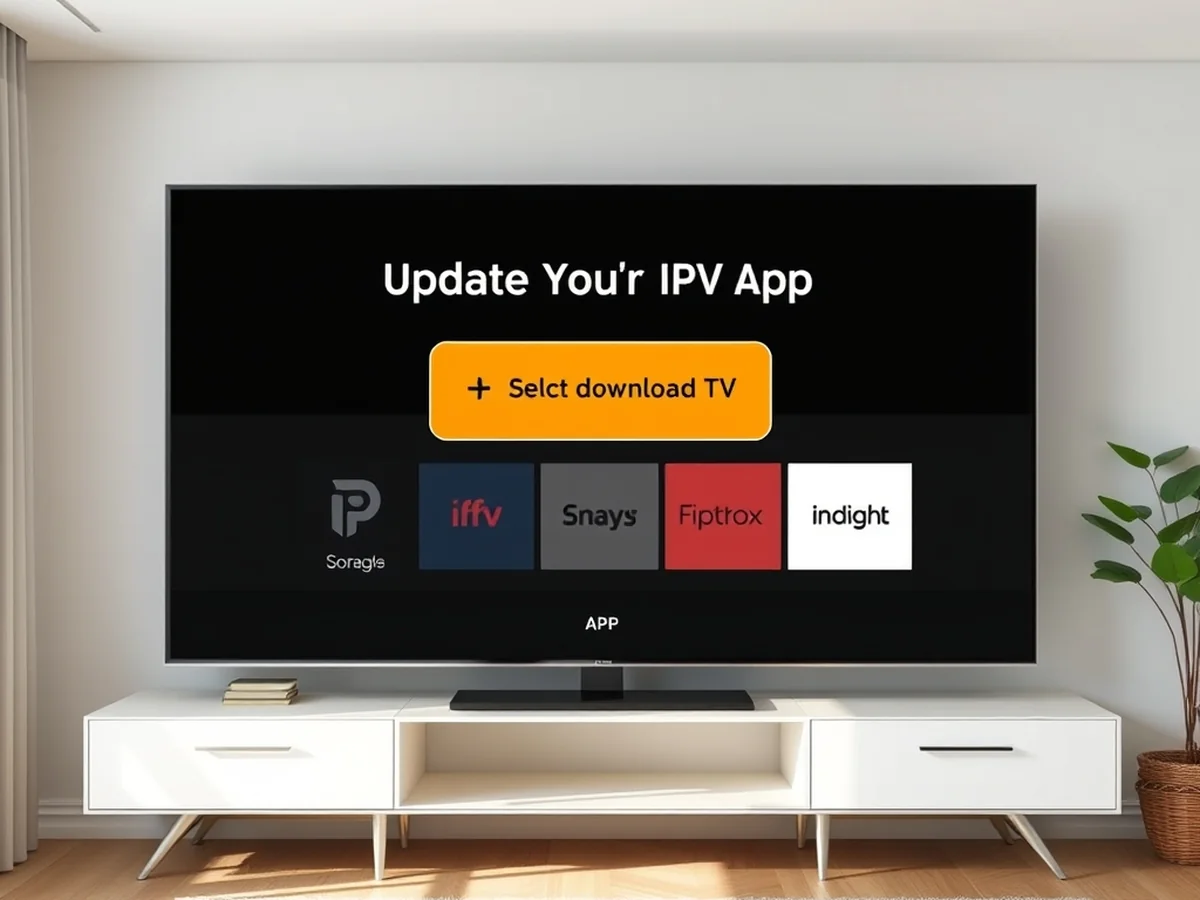
Updating your software is often the simplest way to how to fix iptv buffering uk. Old app versions frequently fail to communicate with modern servers. Check your Firestick or Android TV app store for a pending update and install it immediately.
If the app is current, try clearing the cache. Go to your device settings, select applications, and find your streaming app. Choose the option to clear cache to remove temporary files that might cause lag. This step alone often solves minor playback issues.
Sometimes your ISP limits traffic to certain streaming services. You can change your router DNS settings to bypass these blocks. Use 1.1.1.1 or 8.8.8.8 in your router network configuration page. These public servers help avoid regional routing problems.
You should also perform a router power cycle to refresh your connection. Unplug your router from the power outlet and wait at least 30 seconds before plugging it back in. This forces your ISP to assign a fresh IP address, which may resolve connection stability.
Finally, log into your router and look for Quality of Service or QoS settings. Enable this feature to prioritize your streaming device over other home traffic. Giving your device a high priority ensures it gets the bandwidth it needs during peak hours.
Adjust IPTV Stream Quality
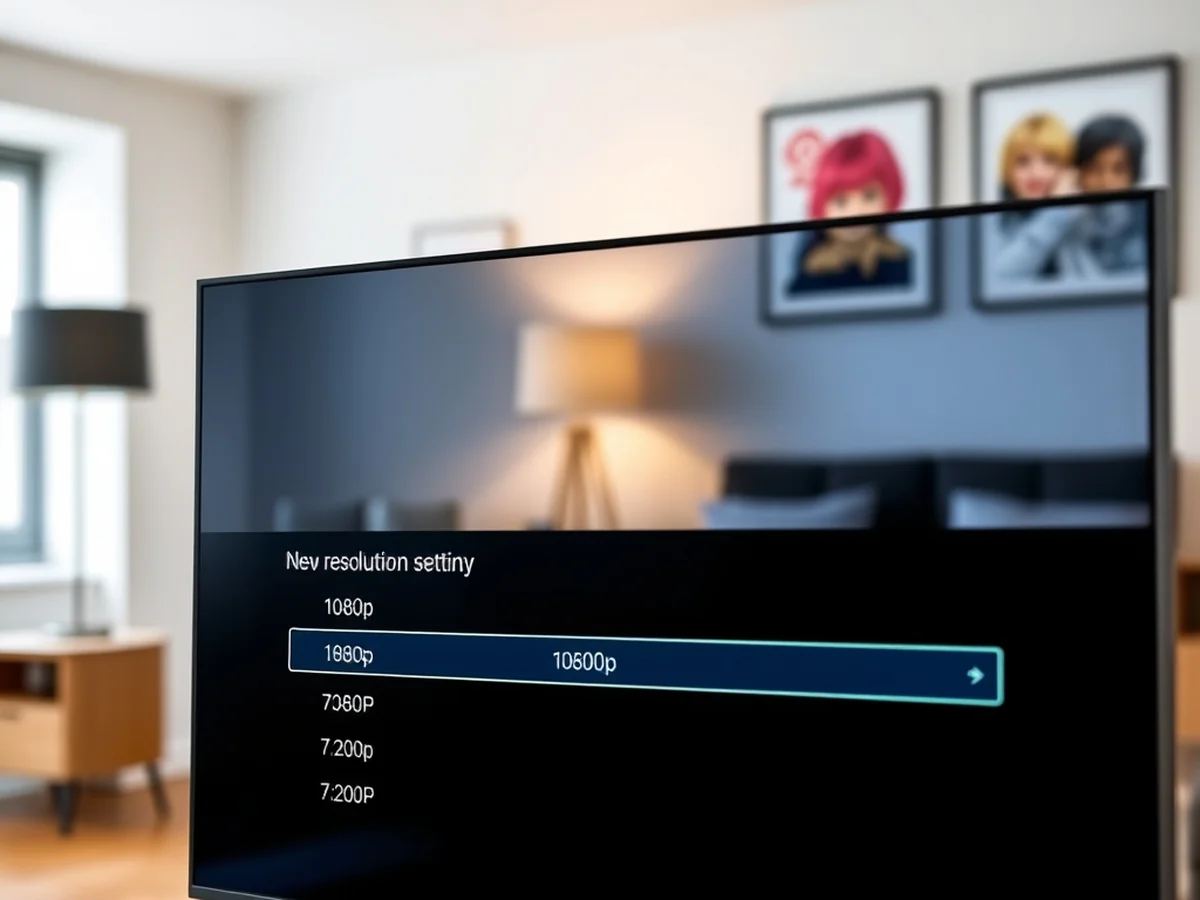
You can often lower the resolution of your stream to bypass server strain. When an IPTV provider experiences server overload, their hardware cannot handle the high data demands of every connected user at once. This usually happens during popular live sports events or peak evening hours in the UK.
Some channels work while others buffer because your provider hosts them on different servers. A high-demand channel might exceed its allocated bandwidth, while a less popular news feed stays stable. If you want to know how to fix iptv buffering uk, first test a variety of channels. If every single stream freezes, the issue is likely your local network or a total service outage.
Try these steps to check for service-wide problems:
- Switch to a channel with a lower bitrate or SD quality.
- Test your connection on a mobile device using 4G or 5G data.
- Compare performance across different devices like a Firestick and a phone.
If the stream plays perfectly on mobile data but fails on your home Wi-Fi, your ISP might be throttling your traffic. A stable connection requires at least 25 Mbps for reliable HD streaming. If your provider struggles to keep up, lower settings can provide a smooth viewing experience instead of constant waiting.
Contact Your IPTV Provider
You should reach out to your support team if you have ruled out local hardware issues. Many users ask how to fix iptv buffering uk when their connection drops, but sometimes the fault lies with the source.
It is normal for UK networks to experience slow speeds during peak evening hours between 7 pm and 11 pm. High traffic on major providers like BT or Virgin Media can cause congestion. If your stream stutters only during these specific times, your ISP might be throttling your bandwidth.
You must distinguish between buffering and server lag. Buffering happens when your device cannot download enough data to stay ahead of the playback. Raw server lag occurs when the source feed itself is failing at the provider level. If the screen freezes for everyone on the channel simultaneously, it is a server issue you cannot fix.
A VPN can sometimes cause more harm than good. While a VPN hides your traffic from an ISP, it adds an extra hop to your connection. This increases latency and reduces your effective speed. Only use a VPN if you suspect your ISP is actively blocking your stream. If you do use one, choose a protocol like WireGuard for better performance. Expect to pay around £3 per month for a reputable service.
For another perspective, this detailed piece on How often does your IPTV buffer? : r/TiviMate is worth a read.
- Check if the issue persists on mobile data.
- Ask your provider if they have a status page.
- Avoid free VPNs with limited server capacity.
Test Alternative IPTV Players
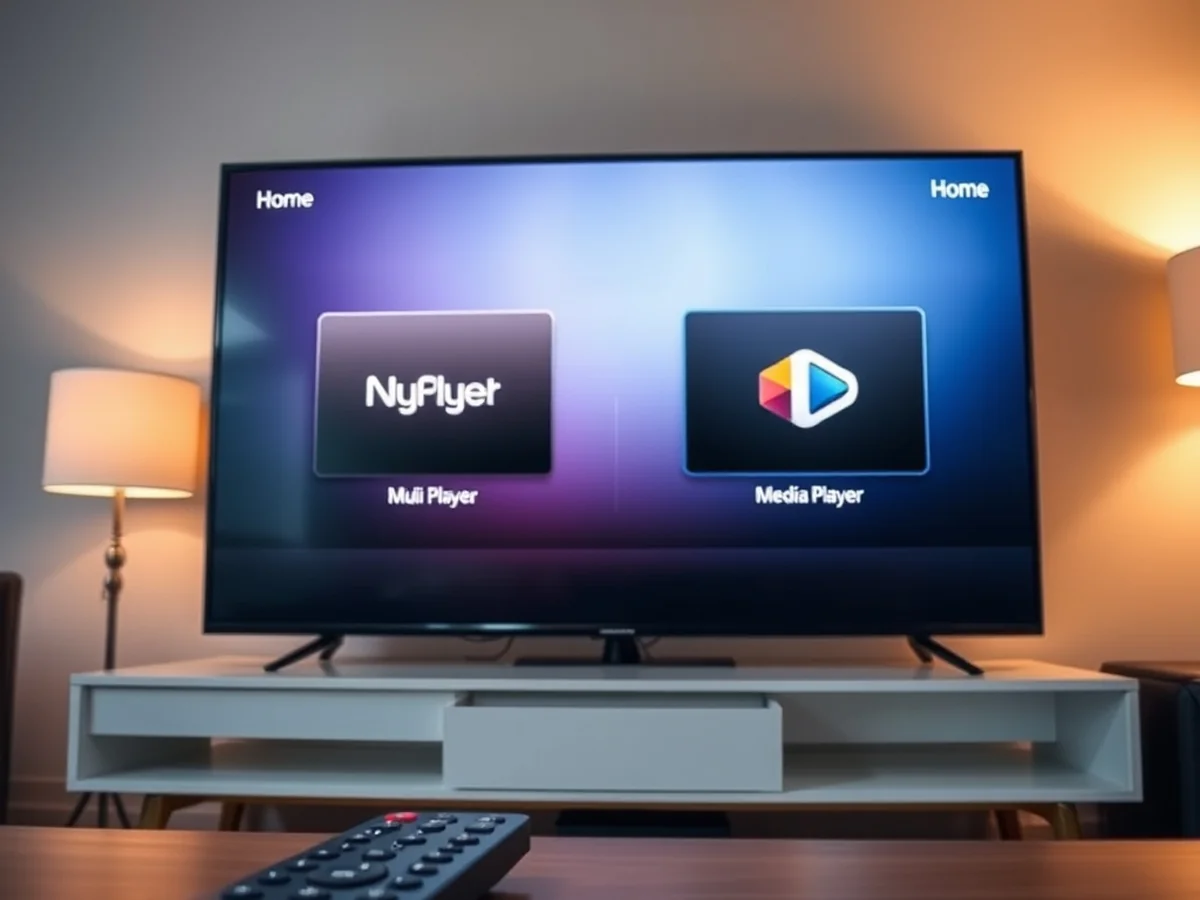
Switching your player software often solves playback issues when hardware and network settings are already optimal. If you are learning how to fix iptv buffering uk, realize that stability is a game of elimination. You must test one variable at a time to find the true cause of your stream freezing.
Some apps handle high bitrates better than others. If you currently use the default player on your Firestick or Android TV device, try a lightweight alternative like TiviMate or IPTV Smarters Pro. These apps offer better buffer size controls and codec support. I have found that moving to a player with a custom user agent string helps bypass some forms of ISP throttling common during peak evening hours in the UK.
Before you switch, write down your current playlist URL or M3U file path to ensure you can reconnect quickly. Most premium player licenses cost around £5 to unlock advanced features. If the new app still struggles, you know the fault likely lies with your internet speed or the provider server rather than your software. Keep your setup simple by testing only one player change per session. This clear approach saves time and prevents you from changing settings that were not causing the problem in the first place.
You might also like: Is IPTV Legal in the UK? Everything You Need to Know Before Using IPTV