How to Install IPTV on Firestick in the UK: Complete Setup Guide
What is IPTV?
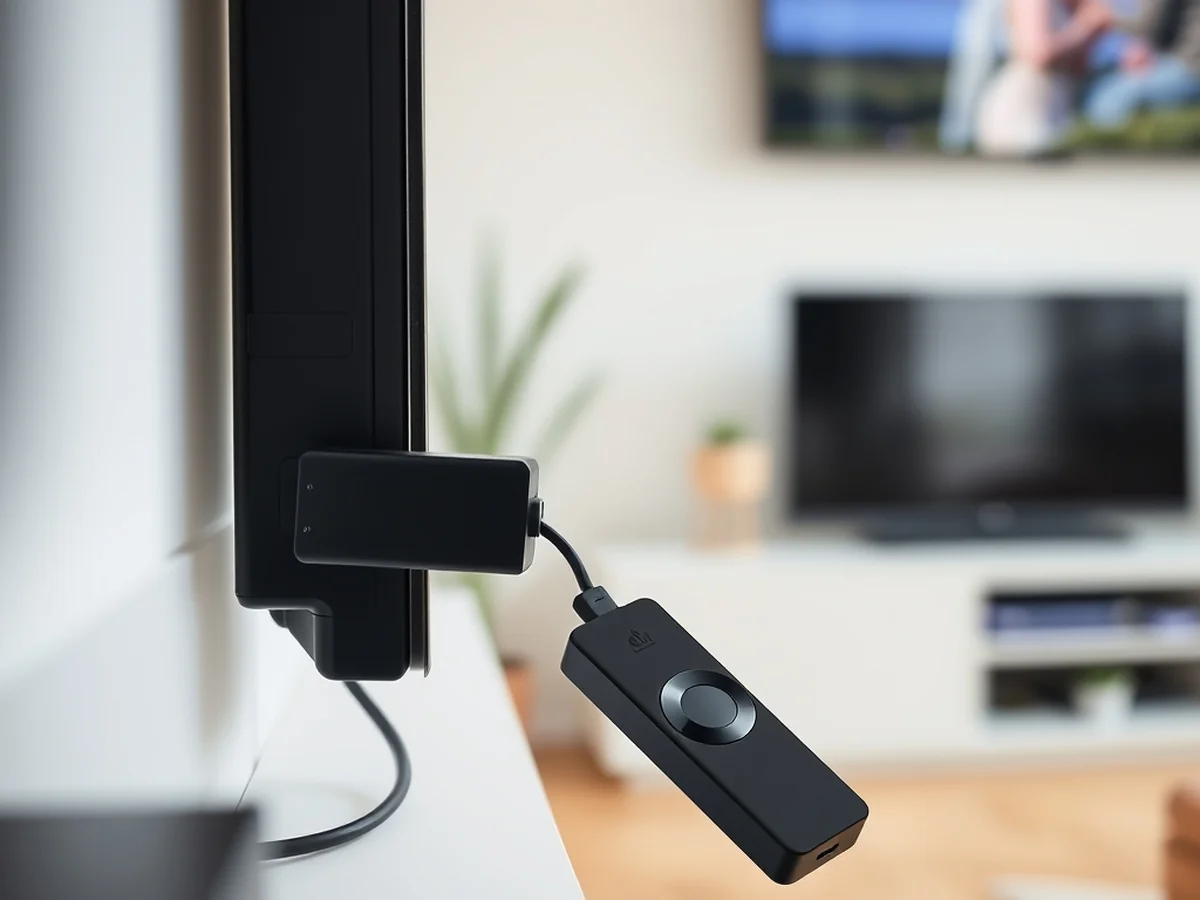
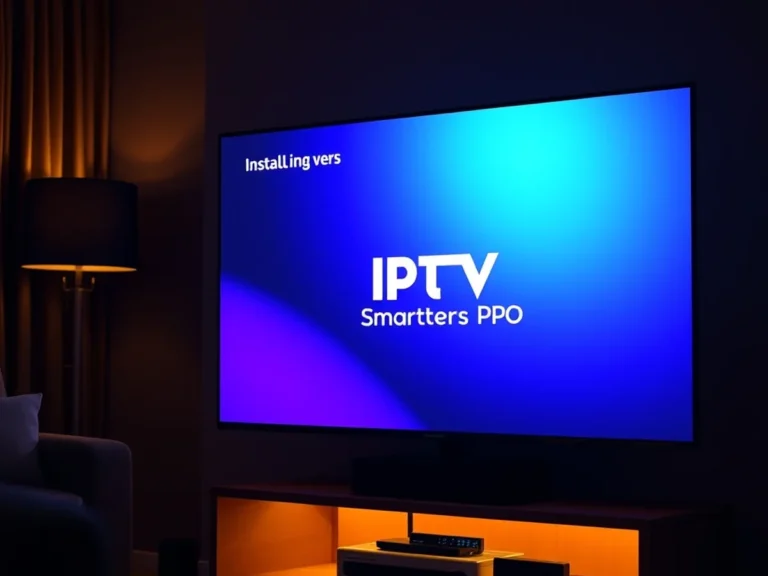
IPTV stands for Internet Protocol Television. It delivers live TV content through your home internet connection rather than through a traditional satellite dish or antenna. When you learn how to install iptv on firestick uk, you are essentially turning your Amazon Firestick into a digital media receiver that pulls streams directly from a server.
To get started, you need a stable broadband connection. A minimum download speed of 25 Mbps is recommended for smooth high-definition streaming. You also need an IPTV player app, such as IPTV Smarters Pro, which acts as the interface for your content.
The legal landscape in the UK is strict. You must ensure your provider holds the correct broadcasting rights for the channels they offer. Using unauthorized services can lead to legal issues or your ISP blocking your access. Many users choose to pair their setup with a VPN to protect their privacy and prevent ISP throttling.
The setup process involves three main parts. You will need to prepare your Fire TV Stick by enabling Developer Options. This allows you to use the Downloader app to fetch and install external APK files. Once the app is installed, you typically input your M3U playlist credentials provided by your service. Always stick to official and reputable sources to avoid malware or scams. Taking these steps ensures your device remains secure while you expand your viewing choices.
Enable Unknown Sources
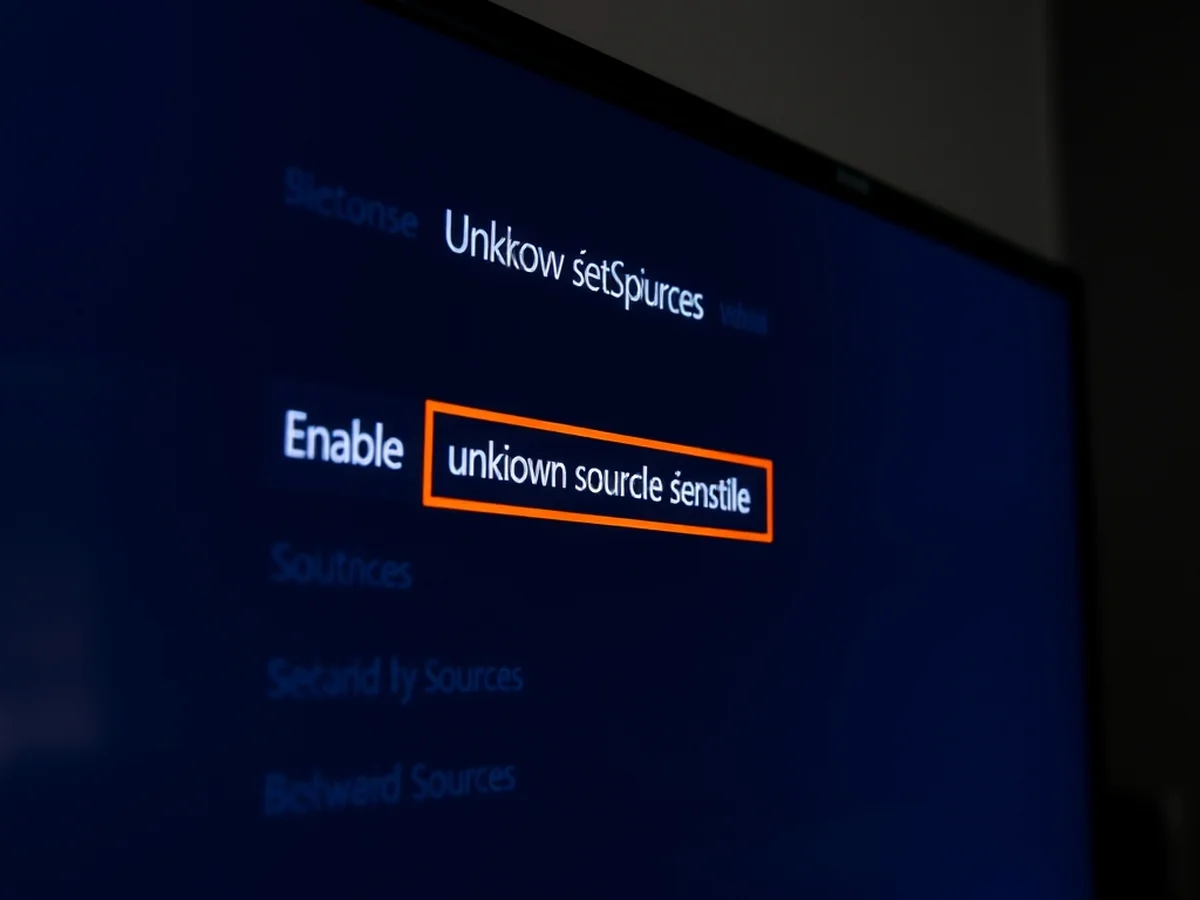
You must unlock specific system permissions before you can learn how to install iptv on firestick uk effectively. Amazon hides these settings by default to ensure users only download software from their official store. Enabling these options allows your device to accept third-party files like the Downloader app.
Recent updates to the Fire OS menu structure moved these settings to a new location. Follow these steps to find the hidden menu:
- Navigate to the Settings icon on your Fire TV Stick home screen.
- Select the My Fire TV tab.
- Click on the About section at the top of the list.
- Highlight the device name and press the center button on your remote control 7 times.
- Wait for the notification that says you are now a developer.
Once you see that message, go back one screen. You will now see Developer Options listed in the menu. Enter this sub-menu and toggle on Apps from Unknown Sources. This change is necessary for sideloading any external APK file.
Without this step, your streaming media player will block every attempt to add custom software. This safety feature protects the average user from accidental security risks. However, you need this access to complete your iptv smarters pro firestick setup or any other third-party installation. Always ensure you are using a secure broadband connection and a reliable VPN when accessing these external tools.
Install Downloader App
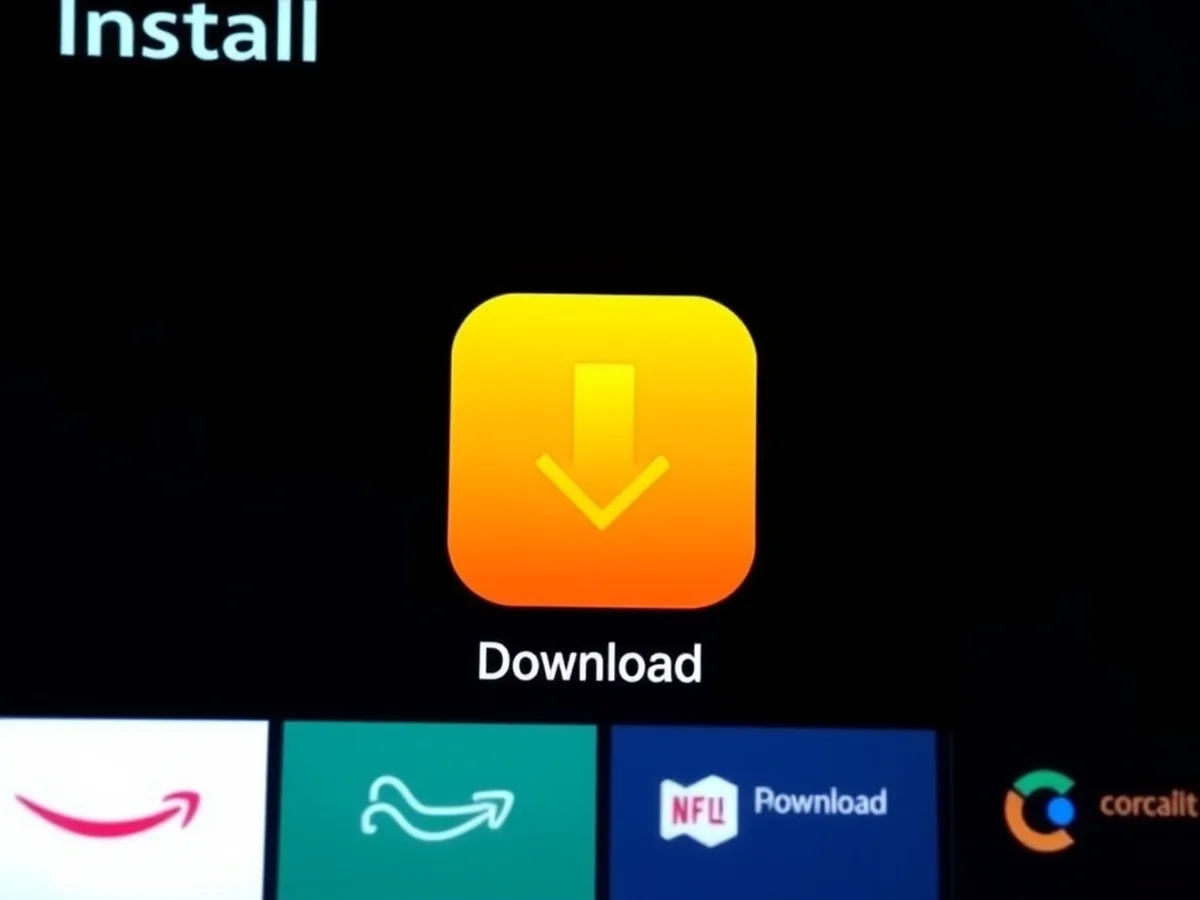
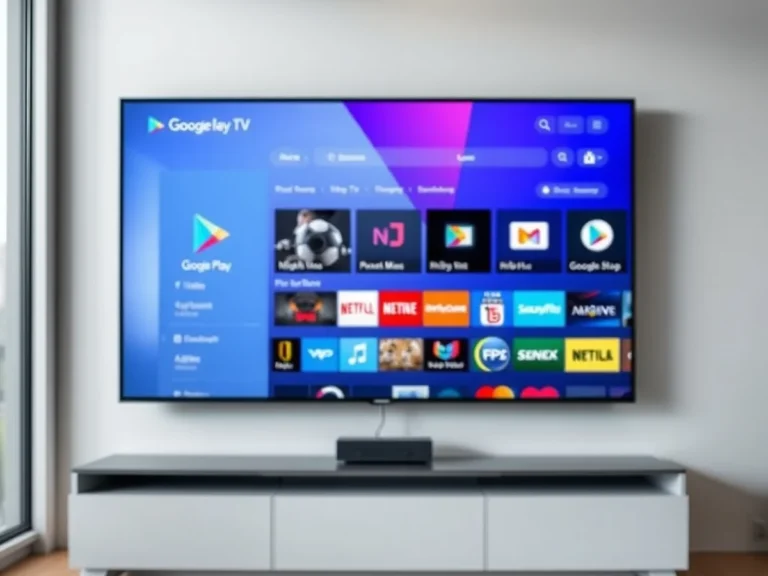
You need the Downloader app to sideload any streaming software onto your device. It acts as a bridge for installing third-party apps on firestick that you cannot find in the official Amazon store. To start, navigate to the search icon on your home screen and type in Downloader. Select the orange icon and click Get to begin the download.
Once the installation finishes, you must adjust your security settings to allow the app to function. Go to your Fire TV Stick settings menu and open the My Fire TV tab. Select Developer Options and toggle the switch to allow apps from unknown sources. If this menu is hidden, click on About seven times to reveal it. This step is vital when learning how to install iptv on firestick uk safely.
Now, open the Downloader app and grant it permission to access your files. This allows the app to save the APK file directly to your internal storage. You will see a prompt asking for access to photos and media. Select Allow to proceed.
Inside the app, you will find a browser bar. Enter the specific URL for your chosen player, such as IPTV Smarters Pro, to fetch the installation file. The app will automatically prompt you to install the software once the download reaches 100 percent. Following these steps ensures your Firestick iptv installation 2026 setup goes smoothly and remains stable.
Sideloading Your IPTV Provider
Before you learn how to install iptv on firestick uk, you must understand your network environment. Most UK broadband providers monitor streaming traffic and often throttle speeds if they detect high bandwidth use. This causes constant buffering or blocks your access to live streams entirely.
A VPN is essential to hide your activity from your internet provider. By encrypting your data, a VPN stops your ISP from seeing what you are streaming. This helps maintain consistent connection speeds and protects your digital privacy while using your Amazon Firestick.
You should pick a reputable VPN service that offers a native app for Fire OS. Many top providers cost around £2.50 per month on annual plans. Once you install the VPN app from the Amazon Appstore, connect to a server before you begin sideloading apps on fire tv stick.
Follow these steps to prepare your device:
- Navigate to Settings on your home screen.
- Select My Fire TV and open Developer Options.
- Turn on Apps from Unknown Sources.
- Install the Downloader app to fetch your APK file.
Always keep your VPN active while using IPTV Smarters Pro or any other third-party player. This simple layer of security prevents connection issues and keeps your streaming habits private from your home network provider. Check the Fire OS store periodically for the latest versions of your chosen VPN to ensure maximum compatibility.
Using a VPN in UK
You must secure your connection before you learn how to install iptv on firestick uk safely. Most UK broadband providers track streaming activity and often throttle speeds if they detect high bandwidth usage. A reliable VPN hides your traffic, ensuring your setup remains private and free from ISP interference.
To start, download a reputable VPN app from the Amazon Appstore. Connect to a server before you open the Downloader app or begin your IPTV Smarters Pro firestick setup. This simple step protects your data while you manage your M3U playlist.
Once your VPN is active, return to your home screen. Open the Downloader app you installed earlier. In the URL field, enter the direct link for your chosen player, such as the official APK file for IPTV Smarters Pro. Most players will download in under 30 seconds on a stable connection.
After the file finishes downloading, click Install. You might see a system prompt asking for permissions. Grant these to allow the app to access your internal storage. Launch the app and follow the prompts to enter your subscription details. You will need your login credentials ready, typically provided by your service email. If you experience buffering, toggle your VPN server location to a different city to improve your streaming media player performance. Always keep your app updated to ensure the best compatibility with recent Fire OS versions.
Common Installation Issues
Most login errors occur because of small typos when entering your service details. When you learn how to install iptv on firestick uk, you must input your M3U URL or Xtream Codes exactly as provided. Even a single extra space or a missing character will prevent the app from connecting to the server.
Check your credentials carefully before saving them. If you use Xtream Codes, ensure you input the correct username, password, and server URL in the dedicated fields. Some users find it easier to copy and paste these details, but you will likely need to type them manually using your Firestick remote control.
It is important to verify your provider before you pay for a subscription. Look for services that offer a trial period rather than asking for a large upfront payment. A reputable service often charges around £10 per month and provides clear contact support. If a website looks poorly designed or lacks clear terms of service, avoid sharing your payment information.
Here are quick ways to fix connection problems:
- Check your broadband connection speed to ensure it supports live streams.
- Restart your Fire TV Stick by unplugging it from the HDMI port for 30 seconds.
- Clear the app cache in your settings menu if the interface freezes.
- Use a VPN to bypass potential ISP throttling common with streaming traffic.
Following these steps keeps your setup stable and secure during daily use.
Is IPTV Legal?
The legality of using these services depends entirely on the content provider you choose. While the IPTV Smarters Pro player and the Fire TV Stick hardware are perfectly legal, streaming copyrighted content without authorization remains prohibited under UK law. Always verify that your provider holds the proper licenses for the channels they broadcast.
If you experience buffering, the first step is checking your Wi-Fi signal strength. A weak connection often prevents smooth playback. Move your router closer or use a 5GHz band for better speed. I find that maintaining a stable connection is the best way to prevent drops.
When a channel list fails to load, try clearing the app cache in your settings menu. If that does not work, check your M3U playlist URL for typos. Sometimes the server is simply offline. You might need to restart your Amazon Firestick to refresh the network handshake.
To maintain stability, you must periodically check for app updates. Developers release patches to fix bugs and improve performance. Visit the official website for your player app to download the latest APK file. I recommend checking for updates at least once every 30 days to ensure the best experience.
For those learning how to install iptv on firestick uk, remember that using a VPN is a smart way to protect your privacy from ISP throttling. It helps keep your streaming habits private while ensuring a consistent data flow for your live television.
Final Setup Checklist
You must ensure your connection is secure before you finish how to install iptv on firestick uk. Accessing copyrighted content without proper authorization is illegal in the UK. Many internet service providers monitor traffic and may throttle your connection if they detect unauthorized streaming activity.
Using a reputable VPN is necessary to protect your privacy and bypass ISP restrictions. A quality service costs around £3 per month and masks your activity from third parties. While a VPN adds an extra step, it prevents buffering caused by ISP traffic shaping. Always connect to a server before opening your streaming app.
If you encounter errors while loading your M3U playlist, try these quick fixes:
- Check your Wi-Fi signal strength. Weak connections often cause playlist load failures.
- Verify your login credentials. A single mistyped character in your URL or password will block access.
- Clear the app cache. Go to your settings menu, select applications, and find the cache option to reset your data.
- Restart your Amazon Firestick. Unplug it from the HDMI port for 30 seconds to refresh the system.
Confirm that you have enabled Developer Options if you need to sideload future updates. Keeping your apps current ensures better compatibility with the latest Fire OS versions. If a playlist remains stuck at 99 percent, verify that your subscription is active and not expired.
For another perspective, this detailed piece on How to Install IPTV Smarters Pro (October 2026) is worth a read.
You might also like: Why Thousands of UK Households Are Ditching Sky for IPTV in 2026